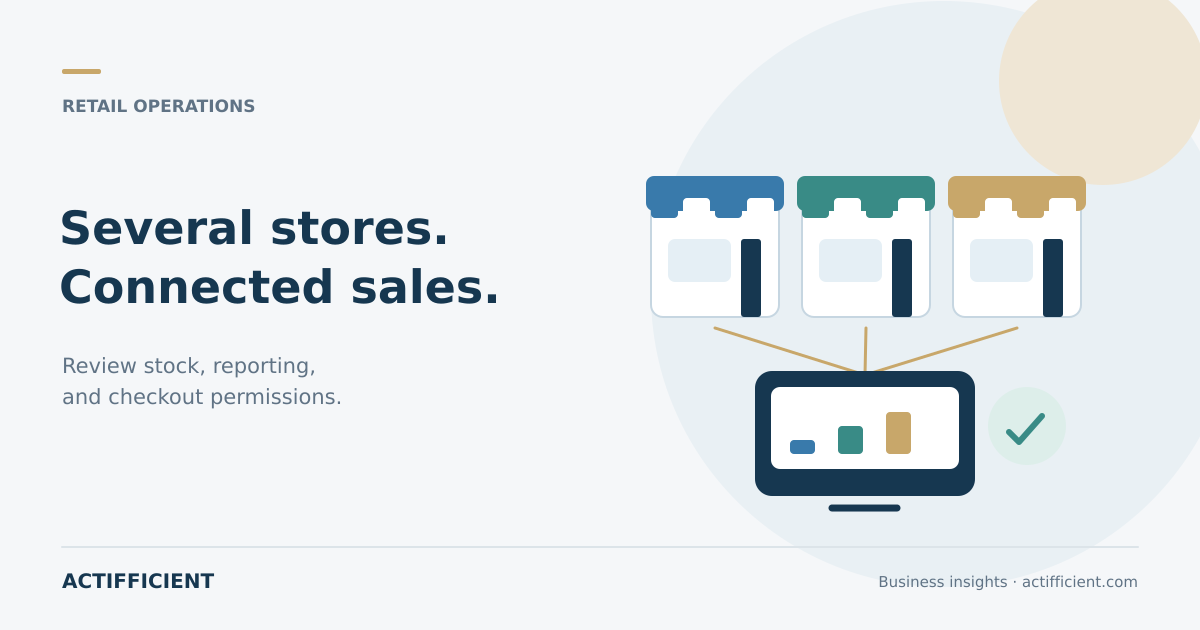
With one store, an owner can often observe sales and inventory directly. When more branches open, the problem changes. Prices become inconsistent, stock numbers do not match, reports arrive late, and management cannot easily see who applied a discount or processed a return.
A multi location POS system should do more than replace a calculator. It needs to record sales, manage inventory by location, support controlled access, and provide information that authorized users can review.
Before selecting a business POS system, test it with representative transactions. A polished demonstration is not enough. Review the following eight areas.
1. Locations and warehouses
Confirm that the system can distinguish stores, warehouses, and selling points. Ask whether each location can have its own pricing, taxes, operating hours, devices, and settlement settings.
A cloud POS system can provide centralized access through the internet, but locations still need correct configuration. Review what happens during a connection problem and how transactions synchronize afterward.
2. Inventory by location
Do not review only companywide stock. A branch needs to understand what is available locally, in transit, reserved for customers, or damaged.
Real time inventory management depends on complete transactions and correct integration. Test how sales, returns, receiving, transfers, and adjustments change the available quantity.
Run one full scenario. Receive an item at a warehouse, transfer it to a store, sell it, and process a return. The system should preserve a traceable history.
3. Branch and consolidated reporting
Owners need store sales reports to compare revenue, order count, best selling products, discounts, and returns. Consolidated information is also necessary for an overall view.
Check whether reports can be filtered by location, period, category, payment type, and employee. Users should understand how gross sales, net sales, discounts, and returns are defined.
4. Access based on responsibility
Cashiers, supervisors, store managers, and owners do not need identical access. POS staff permissions should control actions such as changing a price, applying a manual discount, opening a cash drawer, cancelling a sale, or processing a return.
Ask whether sensitive actions require manager approval and whether the system records the user involved. Shared accounts weaken accountability, so each employee should have a separate identity.
5. Discount and return rules
Promotions can vary by branch, but the rules still need control. Review how the system handles dates, eligible products, discount limits, and approvals.
Effective discount and return controls should produce a reviewable record with the reason, value, time, location, and user. Test returns without receipts, exchanges between stores, cancellations after payment, and items returned to inventory.
6. Sales and inventory integration
POS inventory integration can reduce manual data movement, but the process needs careful review. Ask when stock decreases, how failed transactions are handled, and what happens when one product uses several units of measure.
If the POS connects to accounting or an online store, decide which system owns product, pricing, customer, and inventory data. Unclear ownership can create duplicate records.
7. Fit for the type of operation
The needs of retail point of sale software differ from those of restaurants, salons, or service businesses. Retail may require barcode support, variants, stock transfers, and returns. Restaurants may require tables, kitchen routing, menu modifiers, and split bills.
Do not choose a package because it has the longest feature list. Select capabilities that support the main process without making checkout unnecessarily complicated.
8. Implementation and support
Ask how product data is migrated, locations are configured, devices are prepared, staff are trained, and support is provided. Review data export, backup, access security, fees per location, and user limits.
When comparing POS software for retail, calculate the total cost of devices, subscriptions, integrations, implementation, and support. A low starting price may not remain suitable as locations increase.
During a trial or demonstration, process a sale, discount, return, inventory transfer, register close, and report. Include store employees because they understand daily operational friction.
The right POS provides control without slowing the customer transaction. Begin with processes, locations, and the information management needs, then choose features that genuinely support them.
Want to assess your checkout, inventory, and branch reporting requirements? Explore Actifficient POS solutions, then contact Actifficient to discuss locations, devices, transaction types, and required integrations.