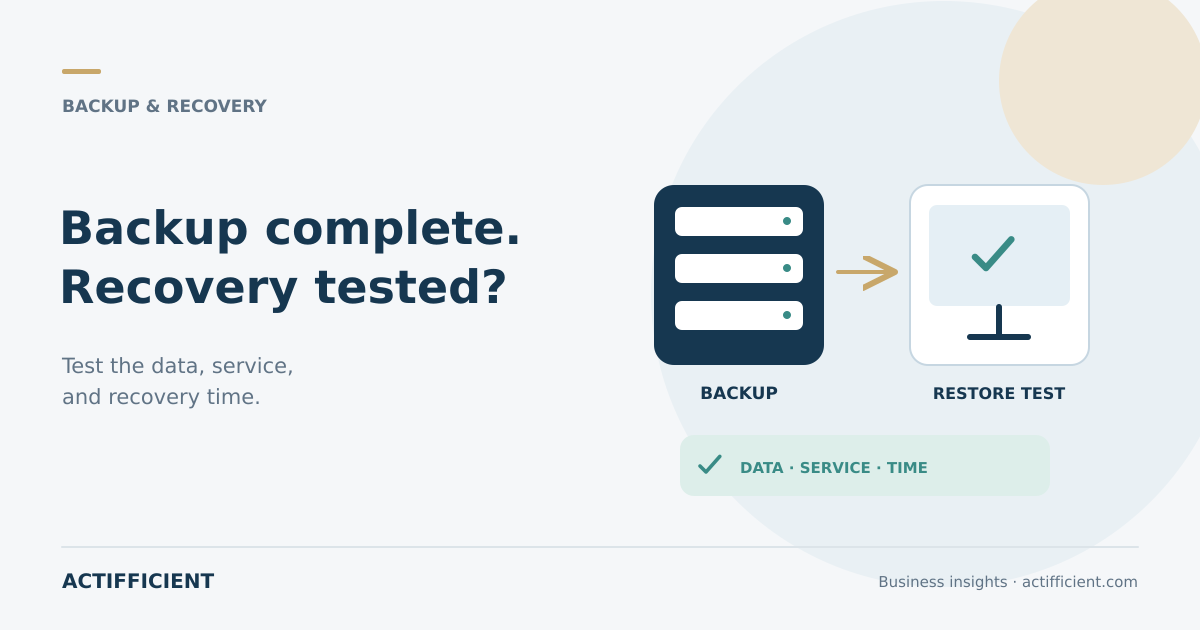
The nightly backup report shows a successful status. The team assumes the data is safe. When a server fails, a more important set of questions appears: which files can be restored, who has access, and how long will operations remain unavailable?
Business data backup is incomplete without a recovery process that has been tried. A successful status indicates that the backup job finished according to the system. It does not always prove that applications, permissions, configurations, and data can return in a form the business can use.
Companies therefore need scheduled backup recovery testing before a disruption. A test does not always require shutting down production. Scenarios can progress from restoring one file to recovering a service in an isolated environment.
Decide what must return first
List the systems, data, and devices covered by backup. Separate transaction data, user files, databases, application configuration, virtual machines, and cloud services. Each type may require a different recovery method.
For business server backup, identify dependencies between systems. A database may restore correctly while the application remains unavailable because its configuration, service credentials, or connected component is missing.
Prioritize workloads according to operational impact. A system that stops sales or customer service usually requires a different recovery order from an archive used occasionally.
Define realistic RPO and RTO targets
The recovery point objective describes how far back the restored data may go. If a backup runs once each night, changes made after the last completed job may not exist in the recovery point.
The recovery time objective describes the target period for restoring the service after disruption. Backup software is only one factor. Data volume, network speed, hardware, available people, access, and recovery order also affect the result.
Do not select targets simply because they sound reassuring. Test them against the real environment. If a recovery takes six hours, a two hour plan requires improvement or a different architecture.
Understand validation and restore testing
Backup validation checks whether recovery from a backup appears possible, for example by verifying data block integrity. This can identify problems in the stored copy.
Validation is not a replacement for every recovery test. Acronis documentation recommends a test recovery under bootable media to spare hardware, or running a virtual machine from backup, when testing operating system recovery.
Available methods within Acronis backup depend on the product, edition, workload, and environment. Confirm whether a planned activity checks integrity, restores selected data, or tests a workload that can actually run.
Begin with a small restore scenario
The first test can recover several randomly selected files. Check names, content, timestamps, permissions, and locations. Then move to a folder, database, or more complex application.
Restore into a separate location so production data is not overwritten. Assign someone to verify the output and define success criteria. A file is not fully recovered simply because it downloads. It must open and be usable by the people who need it.
For ransomware data recovery, the restored environment should not reconnect clean data to a source that may still be compromised. Incident response, isolation, security review, and the decision to return a system to service belong in the plan.
Test the process as well as the technology
A disaster recovery plan should identify who declares an incident, who initiates recovery, who grants access, and who confirms that the restored service is safe to use.
Check whether emergency credentials are available and protected. Vendor contacts, system documentation, bootable media, licenses, and backup locations must remain accessible when the primary system is unavailable.
Run a disaster recovery drill through a tabletop exercise or controlled technical test according to risk. Scenarios can cover server failure, file deletion, site outage, or ransomware. Do not create a test that puts production at risk without proper planning and controls.
Record results and required improvements
Document the scenario, recovery point, start time, completion time, restored data, failures, and decisions. Compare the result with the approved RPO and RTO.
When a test fails, assign the cause and corrective action. The issue may involve storage capacity, connectivity, access, documentation, compatibility, or a backup scope that excluded an important component.
Repeat testing after major changes to applications, infrastructure, data volume, or staff responsibilities. A backup restored successfully last year may no longer match today's environment.
Want to plan backup schedules together with testable restore scenarios? Explore Actifficient Acronis backup and data recovery solutions, then contact Actifficient to discuss workloads, storage locations, retention, and recovery targets.