A late payroll run is not always caused by a difficult formula. The problem often begins well before compensation is calculated. Attendance records are incomplete, overtime has not been approved, salary changes arrive at the last minute, or new employee data has not been reviewed. The payroll team then rushes as the salary date approaches.
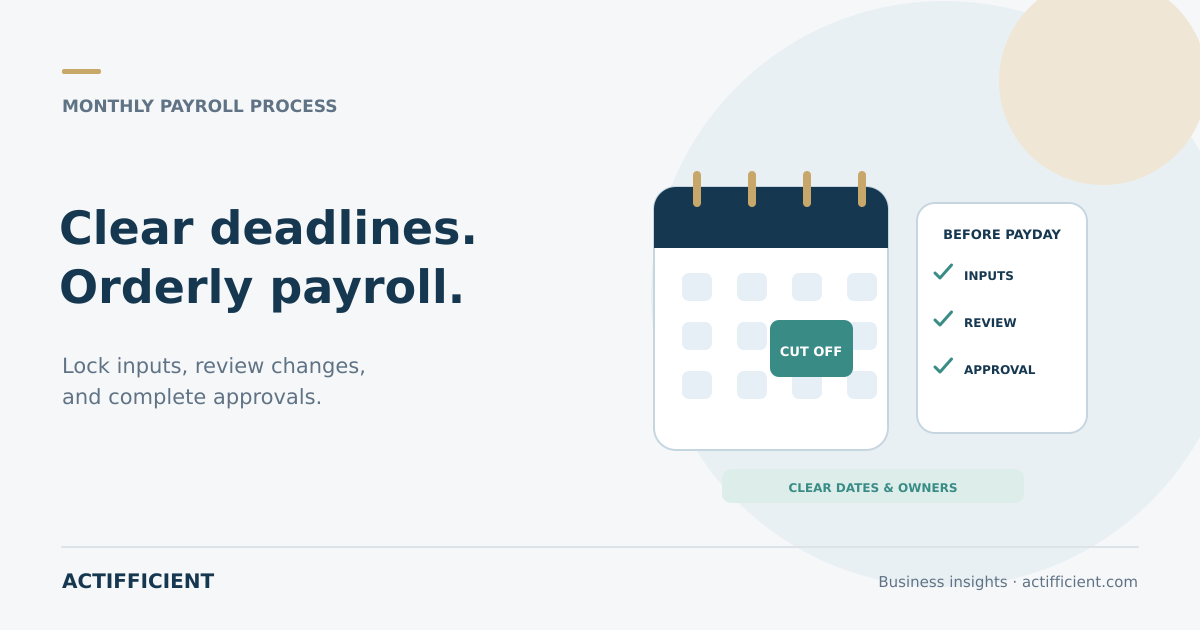
A payroll cut off creates a clear deadline for each input. It is more than a closing date. It identifies who submits information, who reviews it, who approves it, and what happens when a change arrives after the deadline.
Start with payday and work backward
Set the date when employees should receive their salary, then calculate the time required to prepare the payment file, obtain approval, review the results, and process the transfer. From there, define final dates for attendance, overtime, incentives, deductions, bank account changes, new starters, and departing employees.
A monthly payroll checklist should assign an owner and deadline to every step. HR, managers, finance, and the payment team need the same calendar. If public holidays affect banking schedules, adjust the dates before the payroll period begins.
Confirm attendance data is ready for payroll
Employee attendance software can collect attendance, schedules, leave, and corrections in one workflow, depending on the configuration. Recorded data is not automatically payroll ready. Check missing attendance, incorrect schedules, shift changes, unsupported leave, and corrections that have not been approved.
Assign responsibility for clearing exceptions. Employees can submit corrections before a defined date, managers review them, and HR locks the period after approvals are complete. A clear process reduces last minute fixes through private messages.
Separate submitted, approved, and payable overtime
Employee overtime calculation depends on time records, company policy, approval, and applicable requirements. Recorded overtime is not necessarily the same as approved overtime. The team should confirm that it was submitted through the proper process, approved by an authorized person, and included in the correct payroll period.
Avoid changing figures directly in the final file without a record. If a correction is required, document the reason, approver, change date, and payment period. Organizations should follow applicable employment and tax requirements and seek professional advice where necessary.
Control changes that affect compensation
Changes to salary, position, allowance, deduction, bank account, or employment status need a clear effective date. Salary change approval should be distinguishable from an informal notification. The approval record should show the old amount, new amount, effective date, reason, and authorized approver.
Maintain one reliable source for employee payroll data so changes are not scattered across emails, spreadsheets, and messages. Restrict access because compensation information is sensitive. Authorized users should have access to change history so corrections can be traced.
Run a preliminary calculation before final approval
During the monthly payroll process, prepare an initial calculation after most inputs have been locked. Compare net salary, overtime, deductions, and variable components with the prior period. Look for large changes, unusual zero values, duplicate employees, departed employees who remain on the list, or new starters who are missing.
Comparison based review does not replace detailed validation. It helps the team focus on changes that need an explanation. Keep a record of each issue and how it was resolved.
Reconcile before and after payment
Payroll reconciliation before payment compares the employee list, approved compensation components, calculated results, and bank file totals with authorized sources. After payment, match processed values, failed transactions, related liabilities, and postings to accounting.
Separate input, review, approval, and payment roles where practical. In a small team, use an additional review and documented approval so one person does not make and approve every change without oversight.
Use software to enforce a clear process
Payroll software for businesses can support calculations, salary statements, compensation components, and reporting based on the selected package and configuration. HRIS software can connect employee records, attendance, leave, and approval workflows. Features, integrations, calculations, and support need testing against actual company scenarios.
Before choosing a system, document the payroll calendar, compensation components, approval paths, exceptions, and reporting needs. Test realistic cases such as a mid period new starter, a backdated salary change, late overtime approval, and a rejected bank transfer.
Explore Actifficient's HR and operational technology portfolio to discuss attendance, payroll, and employee data requirements. If your team wants to refine the cut off calendar and test scenarios before selecting a system, contact Actifficient for a consultation. The first discussion can focus on the workflow that currently causes the most corrections.