One employee receives a laptop with generous memory, another person doing similar work gets a different configuration, and the IT team ends up supporting many adapters, drivers, and warranty dates. Individual purchasing can feel flexible, but continuous variation makes support harder.
Business laptop standardization does not require every employee to use the same device. It creates a small set of practical profiles based on work, along with an exception path for specialist needs. The company gains consistency without forcing unsuitable hardware on everyone.
Map the work before choosing models
Start with applications, file sizes, display needs, mobility, and working patterns. An administrator using email, documents, browser services, and video meetings has different requirements from an analyst, developer, or designer.
Define laptop specifications by job role according to real tasks rather than titles alone. People with the same title may use different systems. Include ports, cameras, connectivity, and accessories so the profile is not limited to processor labels.
Create a small set of understandable profiles
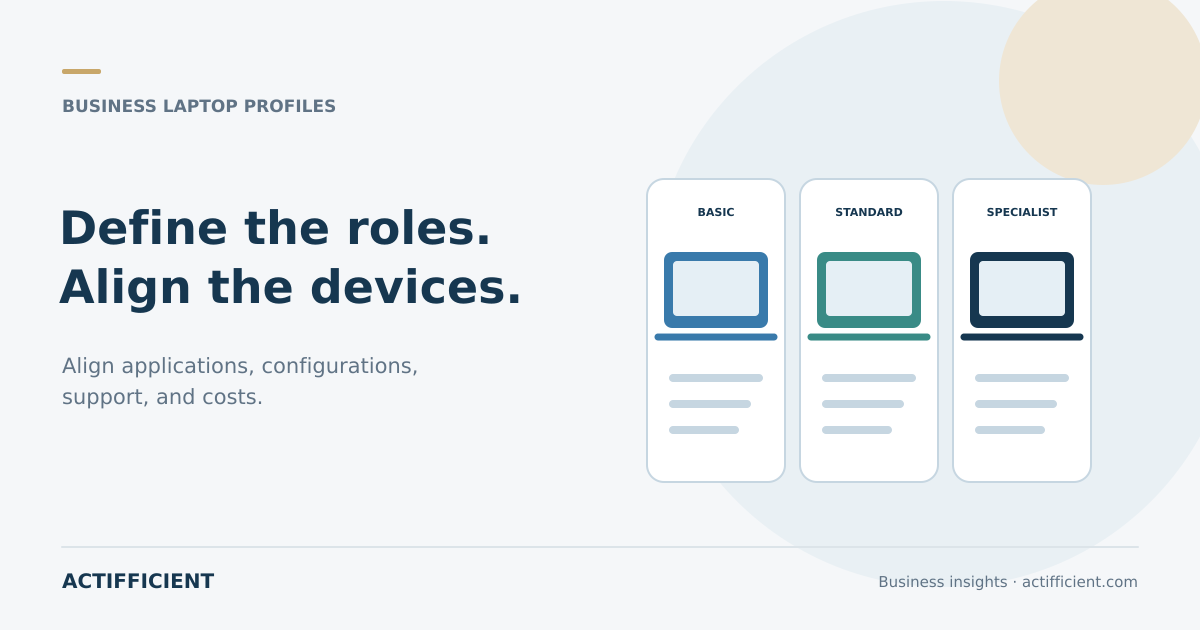
A basic profile may cover documents and web applications. A standard profile can support heavier multitasking. Specialist profiles can address graphics, large data sets, software development, or technical applications. Create enough profiles to cover common work, but not so many that the standard becomes meaningless.
Each set of employee laptop configurations should document memory, storage, screen, ports, operating system, expected support period, and common accessories. Actual model numbers can change with availability while the requirement profile remains stable.
Match Lenovo options to the profile
When evaluating Lenovo laptops for business, compare available models with approved profiles. Avoid creating a new profile merely because a particular model is discounted. Components, features, warranty terms, and available configurations differ by product and quotation.
The label Lenovo business laptops also does not guarantee that every model fits every environment. Examine the construction, keyboard, display, ports, charging, and service options for the exact units under consideration.
Align coverage with the intended lifecycle
When a device is expected to remain in use for four years but coverage lasts only one, the business should understand the cost and downtime risk after coverage ends. Lenovo recommends aligning service coverage with the expected PC lifecycle, while available service levels depend on the device and location.
Set a laptop replacement cycle using condition, operating system support, application needs, repair costs, and operational risk. Do not replace a useful device solely because of age, but do not wait until disruption becomes routine.
Calculate more than the purchase price
Laptop total cost of ownership may include the device, spare chargers, docks, monitors, warranty, setup, support, repair, downtime, and secure data removal at retirement. A lower purchase price does not always lead to a lower cost over the useful life.
For office laptop procurement, separate these cost components so options can be compared fairly. Include delivery timing, claim procedures, replacement arrangements, and vendor responsibilities.
Test profiles with real users
Select people who represent the main working patterns. Ask them to run daily applications, video meetings, displays, networks, and accessories. Review keyboard comfort, display quality, noise, heat, and battery performance under realistic conditions.
Pilot feedback improves workplace device standards before a large order. Record issues and distinguish hardware limitations from application, network, or configuration problems.
Keep exceptions visible and controlled
Specialist work can still require a configuration outside the normal profiles. An exception request can document the application, technical reason, business impact, and budget approval. This maintains flexibility without returning to uncontrolled purchasing.
Review the company laptop inventory regularly to understand models, configurations, users, locations, warranty dates, and replacement plans. Reliable inventory data helps procurement combine demand and reduce emergency purchases.
Begin with an application list and three job profiles, then test them with a representative group. Explore the Actifficient technology solution portfolio to see which needs can be discussed. To review unit counts, user profiles, support expectations, and budget without assuming model availability, contact Actifficient for a consultation.