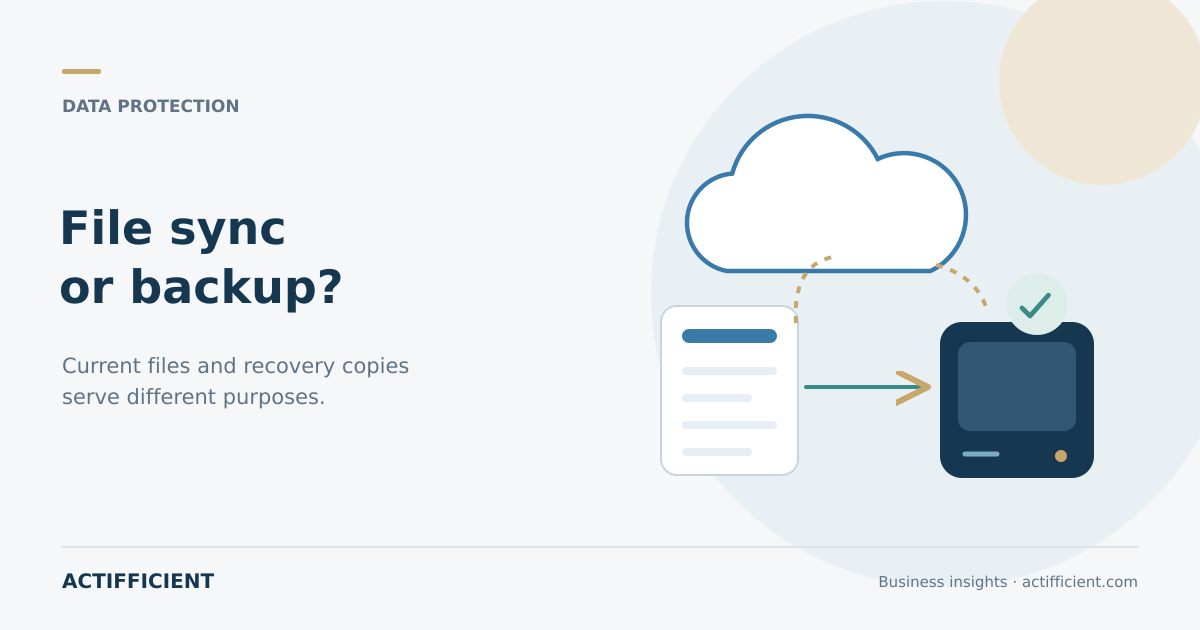
Company files are already stored in the cloud. Employees can open them from different laptops, changes appear quickly, and documents no longer depend on a single office computer. This can create the impression that the data is automatically protected and no additional measures are needed.
Sync and backup serve different purposes. Synchronization keeps file changes available across devices or locations. Backup creates a separate copy that can be used when the original data is damaged, deleted, encrypted, or no longer available.
Understanding backup vs sync helps a business avoid a false sense of security. Cloud services can improve access and collaboration, but convenience does not always answer the recovery needs created by human error, cyberattacks, or system failure.
Sync follows changes to the original file
Imagine an employee deleting an important folder because it appears to be outdated. When a service synchronizes changes, that deletion may also appear on other devices or for other users. A similar problem can occur when a file is damaged or replaced with the wrong version.
Some services provide a recycle bin or version history. These features are useful, but their retention period, coverage, and recovery process depend on the service policy and organizational settings. They should not automatically be treated as a complete business data backup plan.
Synchronization remains valuable for everyday work. Teams can access current documents and collaborate without sending many copies. Reliable data protection for businesses still requires separate copies with clear storage, access, and retention policies.
Backup is designed for unwanted events
Backup keeps a copy of data from a particular point in time so that information can be restored. When the original is lost or unusable, the team can look for an appropriate version in the backup location.
An enterprise backup solution may provide options for scheduling, retention, storage location, and protected workloads. The organization can decide what needs to be protected, how often copies are created, how long older versions remain available, and who may perform a recovery.
The goal is not merely to own another copy. Backup becomes valuable when the business can find the required information and restore it within a time that supports operations.
Apply the 3 2 1 backup strategy sensibly
The 3 2 1 backup strategy is a widely used starting point. It calls for three copies of data, stored across two different types of storage media, with one copy kept away from the primary location.
For example, the working data is the first copy, local backup storage holds the second, and cloud backup for business provides a third copy in a separate location. The actual design should reflect the systems involved, the level of risk, internal policies, and the organization's ability to manage the process.
Separating copies helps when a device, server, or office experiences a failure. Three copies do not guarantee recovery by themselves. Each copy still needs monitoring and testing.
Identify the data that matters most
Not every dataset needs the same recovery target. An active transaction database may need to return much sooner than an archive of older marketing material. Executive email, contracts, customer data, and system configurations may also require different retention periods.
Begin with an inventory of important systems and information. Record the owner, current location, rate of change, impact of loss, and the longest acceptable period before service returns.
This exercise also clarifies the difference between backup and business disaster recovery. Backup focuses on data copies and restoration. Disaster recovery addresses how critical services, infrastructure, and processes will be restored after a broader disruption.
Assess Microsoft 365 data separately
Organizations using email, OneDrive, SharePoint, and Teams should understand their data protection responsibilities. Built in features such as retention and recycle bins can help in certain situations, but they may not cover every organizational requirement.
Microsoft 365 backup can provide a separate copy of selected service data, depending on the solution and license. Before implementation, review workload coverage, retention options, storage location, search capabilities, and recovery methods.
Do not only ask whether a service can create backups. Ask whether the team can restore one email, one file, one folder, or one user's data without an unnecessarily complicated process.
Protect backup copies from attack
Ransomware may target working data and any backup copy that remains easy to reach. Access to backups should therefore be restricted. Use accounts with appropriate privileges, enable available authentication controls, and avoid giving deletion rights to more users than necessary.
An Acronis backup design can use local storage, cloud storage, or a combination, depending on the product and plan. Security capabilities, protected retention, and recovery options should be evaluated against the organization's needs instead of being accepted from a feature list alone.
The business should also monitor whether backup jobs complete successfully. A process that silently fails for several weeks can leave the latest usable copy much older than expected.
Test recovery before an incident
Business data recovery should not be tested for the first time during an emergency. Schedule exercises that restore selected files, accounts, or systems in a safe environment.
Record how long the process takes, who approves it, whether the correct version returns, and whether the related application works. When a test fails, the team still has time to improve policies, capacity, or procedures.
Regular testing also prevents recovery knowledge from remaining with one person. If the primary administrator is unavailable, another team member should understand the required steps.
Start with a simple assessment
Before comparing solutions, answer five questions: which data matters most, where it is stored, how often it changes, how much data loss is tolerable, and how quickly it must become available again. These answers are more useful than comparing storage capacity alone.
Actifficient helps businesses assess backup, retention, security, and recovery requirements before selecting backup and data protection solutions. If your organization wants to know whether its cloud data can genuinely be restored when needed, Request Consultation.