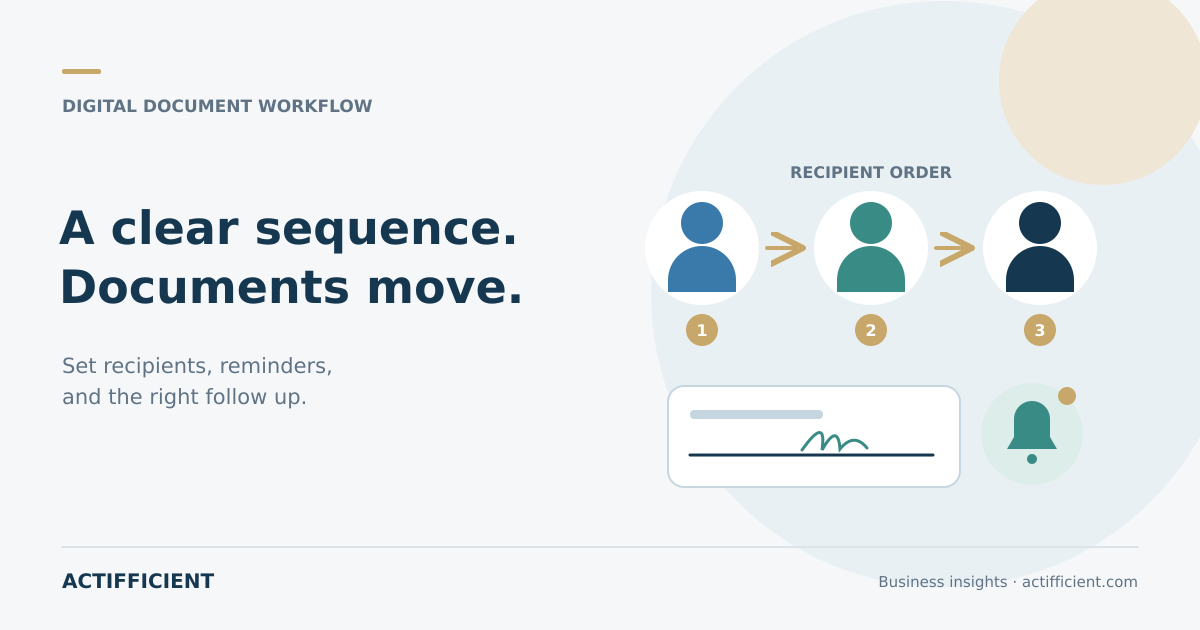
A contract with one recipient is relatively easy to track. Complexity grows when a document requires manager approval, a finance review, executive completion, customer action, and a final copy for another party. When every recipient is contacted manually, the team can lose track of who is waiting for whom.
A document signing order lets a business arrange recipients sequentially, in parallel, or in a combination supported by the platform. This feature does not replace content review. The agreement should complete its internal review and approval before entering the signature stage.
Separate recipients by required action
Recipients do not all have the same task. One person may approve, another completes a signature, another receives a copy, and someone else may only need to view the file. Define each role before sending so every recipient receives the correct instruction.
In an electronic signature workflow, review names, email addresses, titles, sequence, and authentication needs. One incorrect recipient can stop the entire process or expose a document to the wrong person.
Set the sequence according to dependencies
Use sequential routing when the next recipient genuinely depends on an earlier action. For example, a project manager approves first, a company officer completes the signature next, and then the document moves to the customer.
Recipients who can act independently may be placed in a parallel route when the system supports it. For multi party documents, too many sequential stages can add time without adding useful control. Every stage should have a clear purpose.
Write a clear document name and instruction
An email titled only “document requiring action” is easy to overlook. Include the document name, company, required action, and reasonable deadline. Avoid placing unnecessary sensitive information in the subject or message.
During a digital contract process, recipients should understand whether they need to review, approve, or complete fields. Clear instructions reduce questions and the risk of action on the wrong version.
Use reminders at a reasonable frequency
Automatic signature reminders can help when a document is waiting for action. Set timing according to urgency and the recipient relationship. A daily reminder may not be suitable when the agreement still requires internal consideration.
Use a deadline only when the process has a genuine time limit. Provide a support route for access, authentication, or data correction issues. Useful automation makes the action easier instead of simply adding notifications.
Track status without guessing
Document signing status can show whether a file was sent, opened, is waiting for a particular recipient, was completed, declined, or expired, depending on platform capabilities. Use this status to direct follow up to the correct person.
Do not create another active copy of the same document without a clear reason. Multiple requests can confuse recipients and create competing versions. Correct or cancel the earlier workflow according to the platform procedure.
Retain the process history and final version
An electronic signature audit trail can record events such as sending, opening, authentication, recipient actions, and completion, depending on the provider. This history supports process review, but it does not automatically prove that every legal or internal requirement has been satisfied.
Store the final document and process evidence in an approved location. Apply electronic document management rules for naming, access, retention, and search. Do not leave the only copy in an individual's inbox.
Match authentication and controls to risk
A routine agreement and a high value contract may not require the same verification level. Review authentication options, recipient identity, certificates, and evidence according to risk, policy, and applicable requirements.
E signature software varies in subscription, authentication methods, signature types, integrations, and reporting. Test realistic scenarios and involve legal or compliance specialists when deciding whether a method is appropriate for a particular document.
Keep approval and signature stages orderly
The contract approval flow should finish before the final version is distributed. Define who can change the document, who approves revisions, and when the file becomes locked. If a recipient requests a change after distribution, stop the earlier workflow and create a new version through a traceable procedure.
Explore Actifficient's electronic signature solution portfolio to discuss recipient routing, reminders, authentication, and document storage. If your team wants to map a multi party process before selecting a platform, contact Actifficient for a consultation. Bring sample document types, recipient roles, approval order, and evidence requirements to make the assessment more focused.