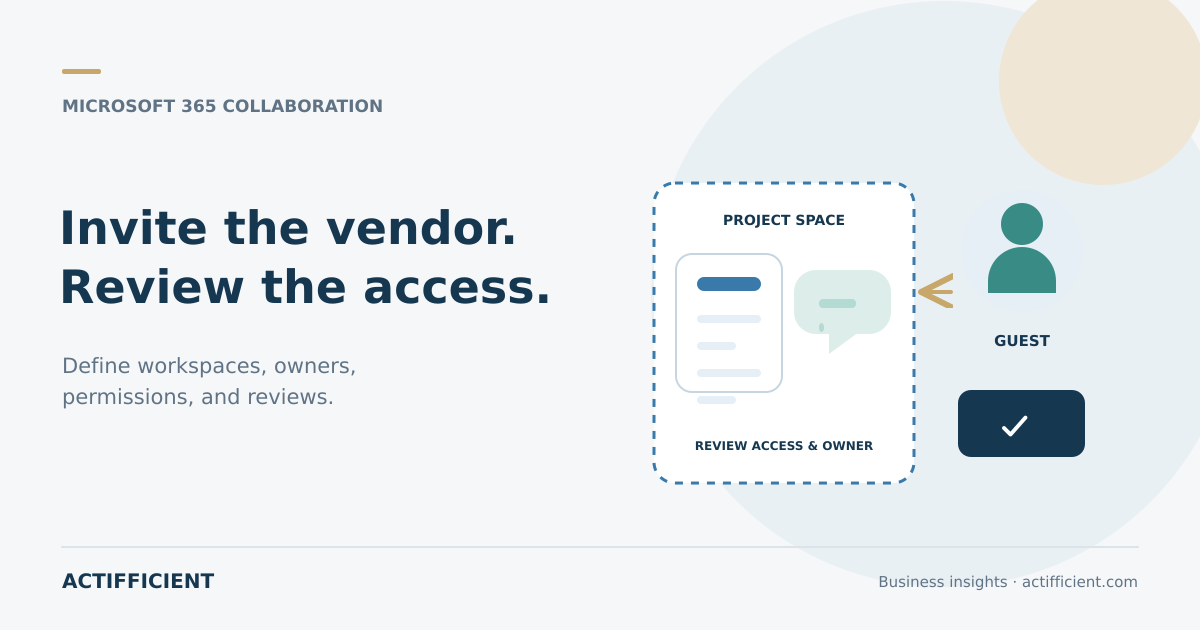
A project team invites an external consultant to Microsoft Teams so discussions and documents do not remain scattered across email. The project finishes three months later, but the guest account remains in the team and can still view files that were shared. Nobody considers access removal part of the project close.
Microsoft Teams guest access allows people outside the organization to participate in a team and use the resources provided to them, including files. That convenience requires ownership, a defined workspace, and regular review. A guest invitation should not become permanent access by default.
Distinguish guest access from external access
Teams offers several ways to communicate with outsiders. External access primarily supports chat, calls, and meetings with users from other organizations. Guest access adds an external person to a team where selected resources and files become available.
Use Teams guest management when a vendor genuinely needs to participate in the project workspace. When the requirement is limited to a conversation or meeting, adding an account to a team may create unnecessary access.
Create a limited workspace
For Microsoft 365 external collaboration, avoid inviting a vendor into an internal team that holds conversations and files from several projects. Create a clearly scoped workspace and place only the required information there.
Record the team name, description, owner, purpose, and expected completion date. This structure makes review easier when a project ends or the responsible employee changes role.
Configure permissions for the work
Teams guest permissions differ from internal membership and depend on administrator policies, team settings, SharePoint, and identity configuration. Decide whether guests can create channels, delete messages, or perform other actions according to need and risk.
Apply guest access controls based on least necessary access. A person reviewing one document may not need an entire library. Do not use the most open configuration as the default for every external project.
Understand file locations and sharing rights
Files in a standard Teams channel are stored in the related SharePoint location. Therefore, file sharing with vendors also depends on site settings, link type, view or edit permission, and whether a recipient can share information again.
Avoid links that anyone can forward when the document requires an identified recipient. Review old folders, document versions, and sensitive information before adding a guest.
Use identities that can be governed
In a guest access scenario, Microsoft Entra B2B provides guest identities that can be managed in the directory. Depending on licensing and configuration, administrators can apply relevant policies, inspect certain activity, and remove access when it is no longer needed.
Confirm that each invitation goes to the correct and authorized person. Do not use one shared account for several vendor employees. Individual identities make activity and offboarding easier to trace.
Assign an internal owner
Every team involving outsiders needs an active internal owner. The owner understands who was invited, why access is needed, which files are available, and when access will be reviewed. Transfer ownership when that employee changes responsibilities.
Secure external collaboration cannot depend only on central administrators. The business owner knows when a contract ends, the scope changes, or a person no longer works for the vendor.
Schedule access reviews
An external user access review can be scheduled according to project duration and information sensitivity. Confirm whether every guest remains active, still requires all permissions, and still belongs to the expected organization.
Access review capabilities in identity services can support recertification depending on the subscription and configuration. The organization still needs to define who reviews access and what evidence supports the decision.
Close access when work is complete
Removing a person from one team is not always the same as deleting the guest identity from the directory. A process to remove stale guest accounts should check whether the person still uses another team, group, site, or application.
Document the closure date, approver, and any project information that must be retained. Project documents should not be deleted simply because external access has ended. Information retention follows company policy.
Actifficient helps businesses evaluate Microsoft 365, collaboration structures, and access governance based on real working processes through its Microsoft 365 solution portfolio. If your organization wants to organize vendor access without exposing an unnecessarily broad workspace, contact Actifficient for a consultation. Bring a project list, vendor types, internal owners, and sample files so the requirements can be mapped accurately.