An employee's final day is often filled with work handover, equipment returns, and administration. Email accounts and business files are easy to overlook. The problem appears later when customers continue writing to the old address or the team cannot find an important document.
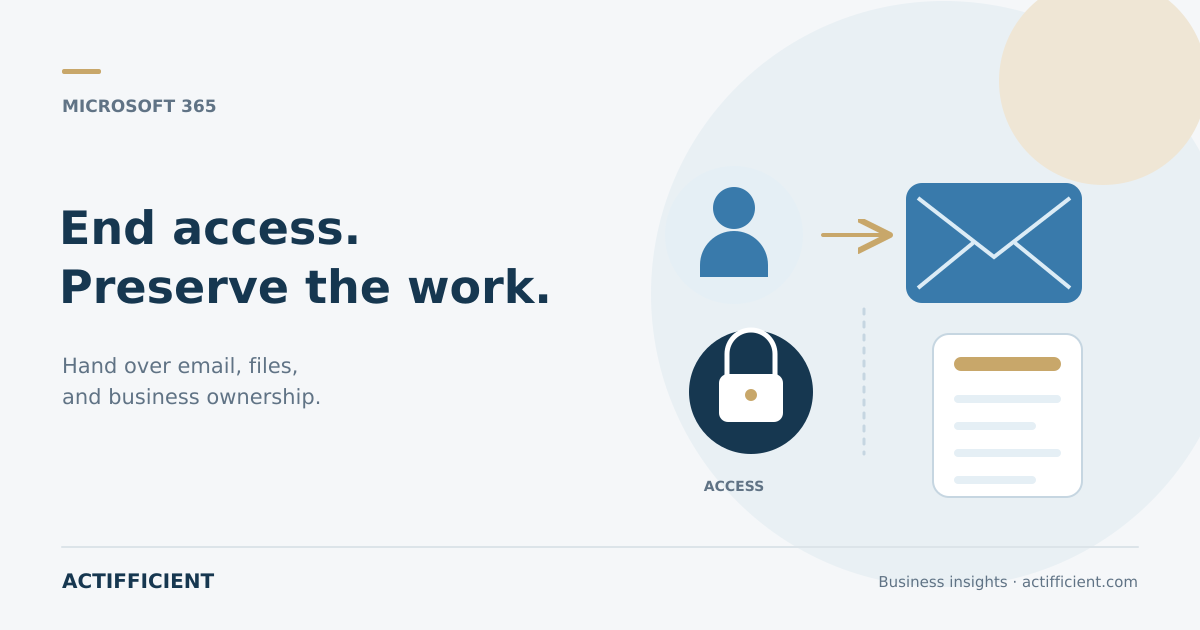
Microsoft 365 employee offboarding needs a deliberate sequence. The company must stop the departing person's access, preserve business information that is still required, and transfer responsibility to authorized colleagues. Deleting the account too early can make email and file recovery more difficult.
The following employee departure checklist can be adapted to company policy, legal requirements, and the Microsoft 365 configuration in use.
Agree when access will end
HR, the manager, and the administrator should confirm the date and time when access ends. An employee completing a notice period may need the account until a specific hour. An immediate termination may require access to stop earlier under company policy.
To block former employee access, an administrator may need to block sign in, address relevant credentials, and revoke active sessions. Connected applications that use the company identity also need review.
A password change alone is not a complete approach to Microsoft 365 account security. Review active sessions, authentication methods, devices, groups, administrative roles, and applications that received permission through the account.
Preserve email before deleting the account
The mailbox may contain customer communication, approvals, schedules, and essential project history. Decide who may access that information and for how long. Operational use should be distinguished from retention required by policy or law.
One option is to convert the user mailbox into a Microsoft 365 shared mailbox. Microsoft states that existing email and calendar information can remain when the mailbox is converted. The old account continues to anchor the shared mailbox, so it should not simply be deleted.
Email forwarding addresses new messages. It does not automatically move historical mail. If the company requires business email retention, define the storage method, authorized users, retention period, and policy basis before changing the account or license.
Transfer files to the correct owner
An employee's OneDrive may contain proposals, project notes, analysis, and working documents. Before deleting the account, identify what must remain available and assign a business owner.
To transfer OneDrive files, do not give the entire folder to everyone. An administrator or designated user should review the content, move shared business documents into an appropriate team location, and restrict personal or sensitive information.
The period for former employee data retention depends on organizational settings and the action taken on the account. Microsoft provides OneDrive retention controls for deleted users, but the company still needs a policy based on its operational and legal needs.
Reassign other business ownership
Email and files are not the only items to consider. Review calendars, active meetings, forms, groups, team sites, approval flows, and applications owned by the departing employee. Recurring meetings may continue to occupy rooms or calendars if nobody handles them.
Record who takes over each customer, project, and task. The successor does not need every permission the former employee had. Access should match the new responsibility and business need.
Review shared service accounts as well. If the departing employee knew a password used by several people, change the credentials and consider a more controlled access method.
Review licenses after the data is safe
The company can manage Microsoft 365 licenses after email, files, and work ownership are addressed. A released license may be reassigned, but timing should reflect mailbox type, retention needs, and services that remain in use.
Do not remove a license or delete an account simply to clean up the user list quickly. Some shared mailbox, large storage, archive, or legal hold scenarios may have specific licensing requirements.
Keep a record of each change, the time it was performed, the administrator, the data recipient, and the process owner's approval. Documentation helps if the company needs to review the decision later.
Make offboarding a shared workflow
A digital offboarding process should not depend on one administrator's memory. Use a form or ticket that involves HR, the manager, IT, finance, legal, and application owners when relevant.
Create a checklist with visible status. Separate tasks required before the last day, at the moment access ends, and after handover. Review the process periodically by sampling completed departures.
Good offboarding protects the company without causing valuable information to disappear. The sequence is straightforward: stop access at the right time, preserve what is needed, transfer ownership, then clean up the account and licenses.
Want to organize business accounts, email, file storage, and licensing through a more consistent process? Explore Actifficient productivity and collaboration solutions, then contact Actifficient to discuss Microsoft 365 requirements and your employee offboarding workflow.